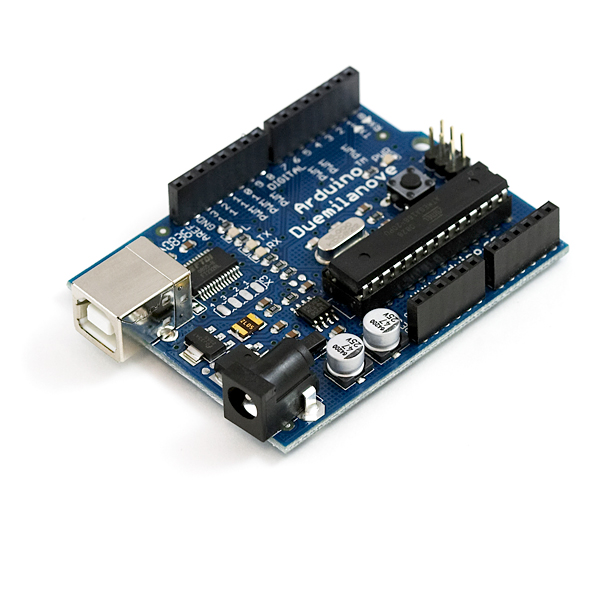
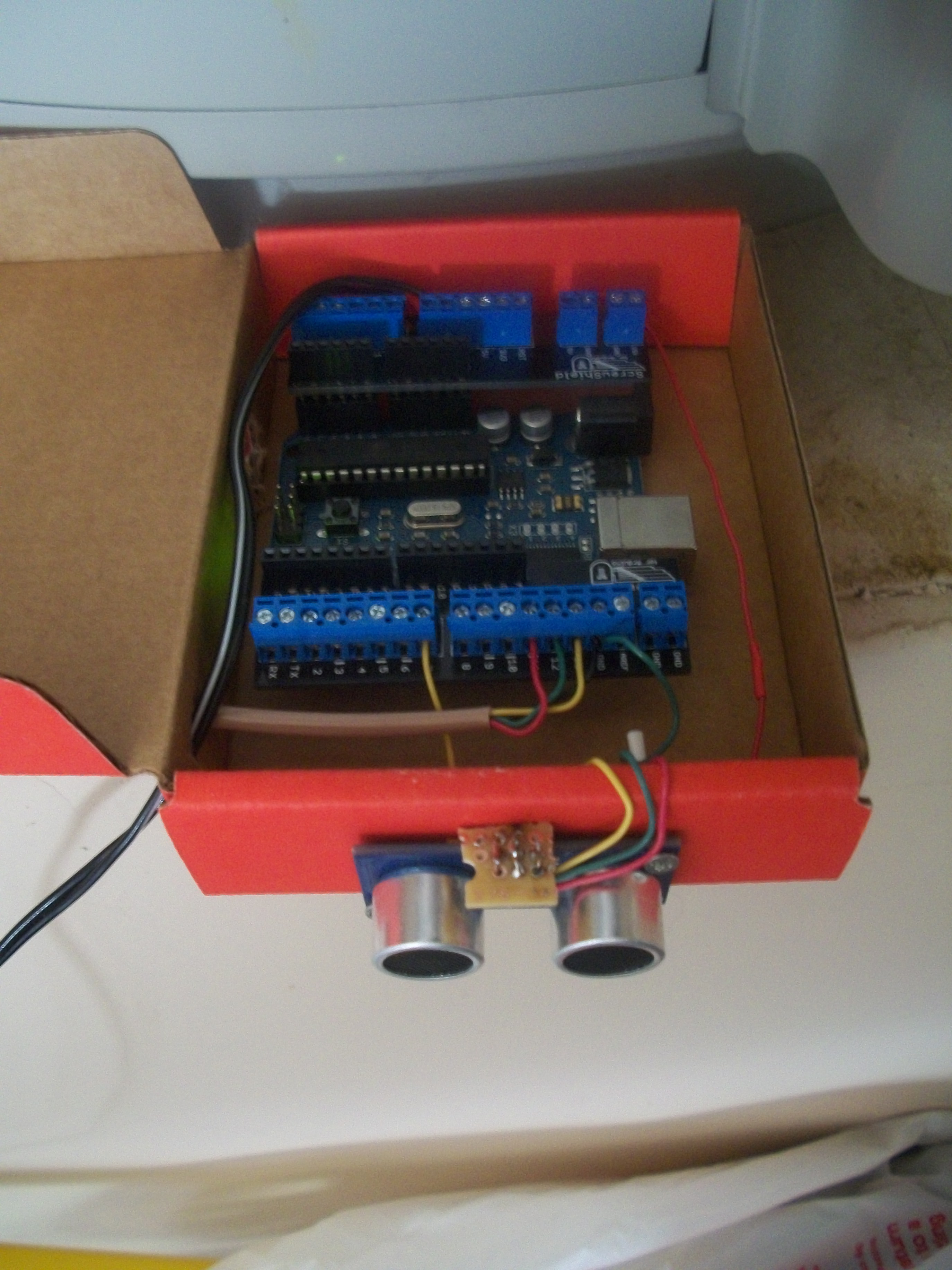
Arduino Duemilanove
I recently bought a 2010 Honda Accord Crosstour and was shocked to see how large it really is in my garage! When it’s parked correctly, I have about 18 inches behind it and 26 in front of it, when it’s not, I can’t shut the garage door, or I can’t walk in front of it. As a fun project, I decided to make a device that would let me know when I’m exactly in position!
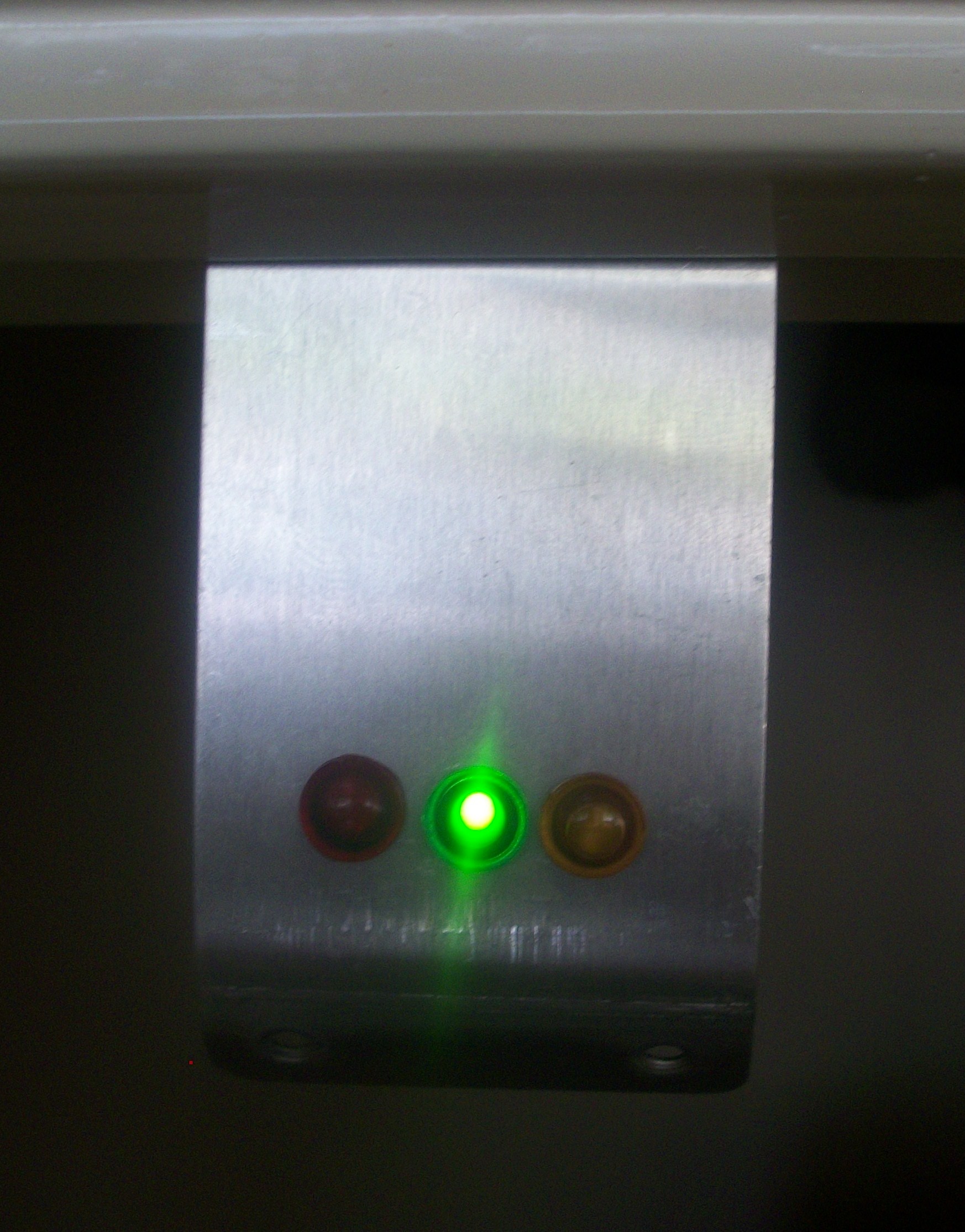
Enter the Arduino. The Arduino is an open-source microcontroller board that can programmed with a C-like language called Processing via USB. It’s a great way to leverage your programming skills to interact with the world around you. In order to help me park my car, I used an ultrasonic range finder from Radio Shack called the PING))) Parallax. This device has a transmitter, receiver and a few processing chips on it. It sends out a signal and listens for the echo, then returns the total time duration in microseconds. Since sound travels one inch in about 74 microseconds, you can take this time and divide it by 74 to get the total distance that the sound traveled, then divide it by 2 since you only care about the distance too the object, not its return trip. My plan was to put the range finder in the back of garage and use three LEDs to show me if my car was too far, too close or parked just the right distance away. I wrote the code below to get a distance reading every 1.5 seconds, and if the distance changed since the last time it was polled, my car (or something in the garage) must have moved. In this case, the Arduino starts polling for changes every 100ms and lights up an orange LED if it is over 26 inches away, a green LED if it is between 26 and 20 inches and a red LED if it is under 20 inches away. I mounted the LEDs on a piece of aluminum and attached it to the wall so I could see it from my car while I’m parking. After I’m finished parking and the Arduino sees that nothing has moved in over 10 seconds, it turns all the LEDs off and starts polling at 1.5 seconds again. Simple and effective!
// PING))) Sensor
const int pingPin = 7;

// Indicator LEDs
const int tooFarPin = 13;     // Orange LED
const int justRightPin = 12;  // Green LED
const int tooClosePin = 11;   // Red LED

// Distance Thresholds
const int outOfRange = 108;
const int tooFar = 26;
const int tooClose = 20;

// Sensor Polling Delay (ms)
const int idleSenseDelay = 1500;
// High-Speed Polling Timeout
const int idleTimeout = 10000;
int senseDelay = 1500;

/*  States
0 = Out of range (no car present)
1 = Too Far
2 = Just Right
3 = Too Close
*/
int currentState = 0;
int lastState = 0;
unsigned long lastDistanceChange;
long distance;

void setup() {
	lastDistanceChange = millis();
	pinMode(tooFarPin, OUTPUT);
	digitalWrite(tooFarPin, LOW);
	pinMode(justRightPin, OUTPUT);
	digitalWrite(justRightPin, LOW);
	pinMode(tooClosePin, OUTPUT);
	digitalWrite(tooClosePin, LOW);
}

void loop() {
	long duration, newDistance;

	// The PING))) is triggered by a HIGH pulse of 2 or more microseconds.
	// Give a short LOW pulse beforehand to ensure a clean HIGH pulse:
	pinMode(pingPin, OUTPUT);
	digitalWrite(pingPin, LOW);
	delayMicroseconds(2);
	digitalWrite(pingPin, HIGH);
	delayMicroseconds(5);
	digitalWrite(pingPin, LOW);

	// The same pin is used to read the signal from the PING))): a HIGH
	// pulse whose duration is the time (in microseconds) from the sending
	// of the ping to the reception of its echo off of an object.
	pinMode(pingPin, INPUT);
	duration = pulseIn(pingPin, HIGH);
	newDistance = duration / 74 / 2;
	if (distance != newDistance) {
		// Something is moving, increase polling rate
		lastDistanceChange = millis();
		senseDelay = 100;
	}
	distance = newDistance;
	currentState = getState(distance);
	if (currentState != lastState) {
		// State changed
		indicateState();
	} else {
		if (senseDelay != idleSenseDelay && (millis() - lastDistanceChange > idleTimeout)) {
			// Idle Timeout has Passed, turn off LEDs
			digitalWrite(tooFarPin, LOW);
			digitalWrite(justRightPin, LOW);
			digitalWrite(tooClosePin, LOW);
			senseDelay = idleSenseDelay;
		}
	}
	lastState = currentState;
	delay(senseDelay);
}

int getState(long distance) {
	if (distance >= outOfRange) { return 0; }
	if (distance >= tooFar) { return 1; }
	if (distance <= tooClose) { return 3; }
	return 2;
}

void indicateState() {
	// Turn off the LEDs that are on
	switch (lastState) {
		case 1:
			digitalWrite(tooFarPin, LOW);
			break;
		case 2:
			digitalWrite(justRightPin, LOW);
			break;
		case 3:
			digitalWrite(tooClosePin, LOW);
			break;
	}
	switch(currentState){
		case 0:
			break;
		case 1:
			digitalWrite(tooFarPin, HIGH);
			break;
		case 2:
			digitalWrite(justRightPin, HIGH);
			break;
		case 3:
			digitalWrite(tooClosePin, HIGH);
			break;
	}
}
And here it is, the finished product!
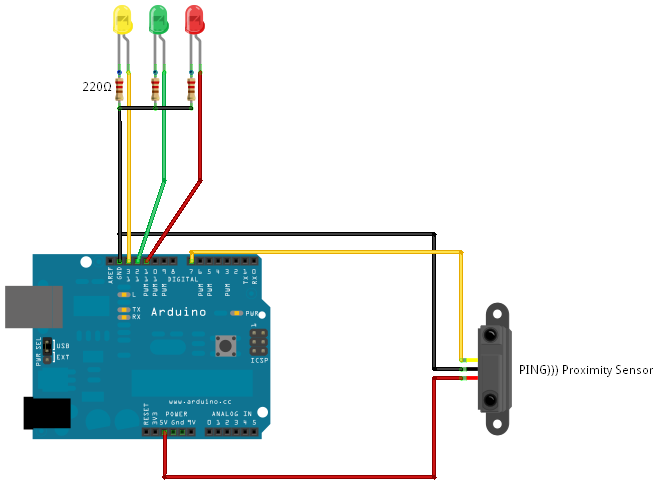
Fritzing Sketch
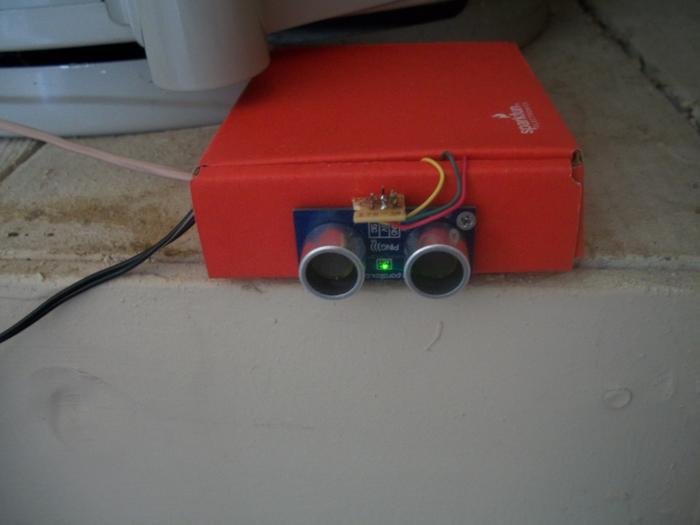
PING))) Parallax
Arduino ParkAssist